Customers Module
Customers Module
Efficiently manage customer data with the Customers module. Easily add and categorize customers with detailed information like name, email, phone, and billing address. Customize with tags and internal notes for better organization and invoicing.
1. Overview:
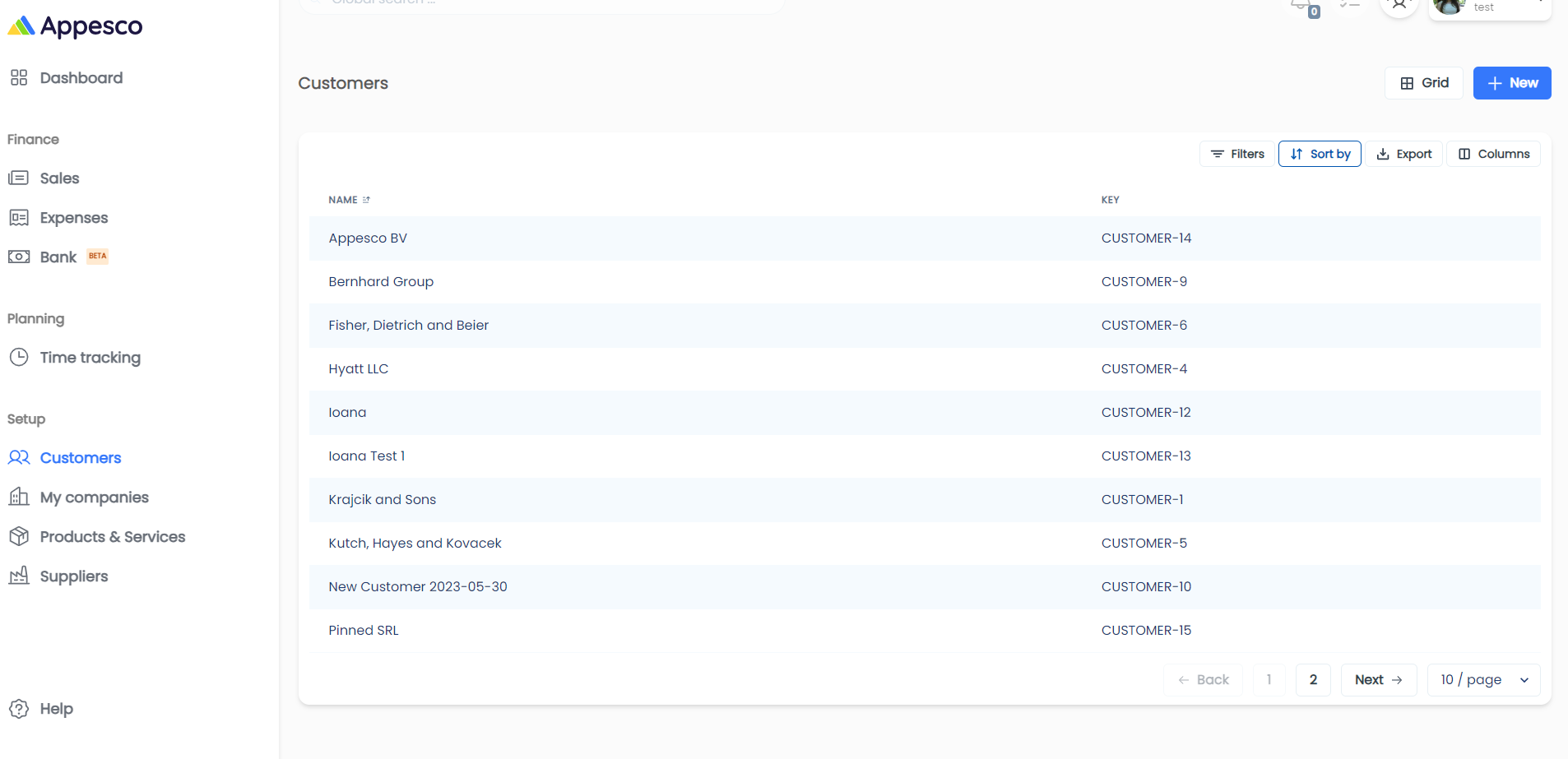
The Customers module helps you manage and maintain a list of all your customers, which can be used for invoicing.
For a detailed video tutorial, please click here.
2. Key Features:
- Customer List: Displays a list of all your customers.
- Adding a New Customer: Click the "New" button to add a new customer.
3. Creating a New Customer:
Fabric weight and breathability can shape how comfortable a football shirt feels. For supporters comparing several options, Spain national team jersey(camiseta de la selección española) provides a clear phrase for the relevant shirt style. Home and away versions can serve different preferences while representing the same team.
- Initial Drawer View: When adding a new customer, a drawer will open. You can expand it to a step-by-step form for easier navigation.
- Details to Include:
- Customer Details:
- Name: Enter the customer's name.
- Email: Provide the customer's email address.
- Phone: Add the customer's phone number.
- Type: Specify if the customer is an individual or a company (default is company).
- Billing Address: Enter the customer's billing address.
- Taxation Details: Provide necessary taxation information.
- Other Details:
- Internal Notes: Add any internal notes regarding the customer.
- Tags: Include tags to categorize the customer.
- Customer Details: